From sign-up to sold in five steps
Set up the tournament ahead of time. On auction night, you run the room from one screen.
Create the tournament
Set the purse, squad size, categories, increments and squad rules.
Add teams and players
Add team colours and logos, import players from a spreadsheet or open registration.
Invite owners
Send each owner an invite link so they can follow, or bid, from their phone.
Run the auction
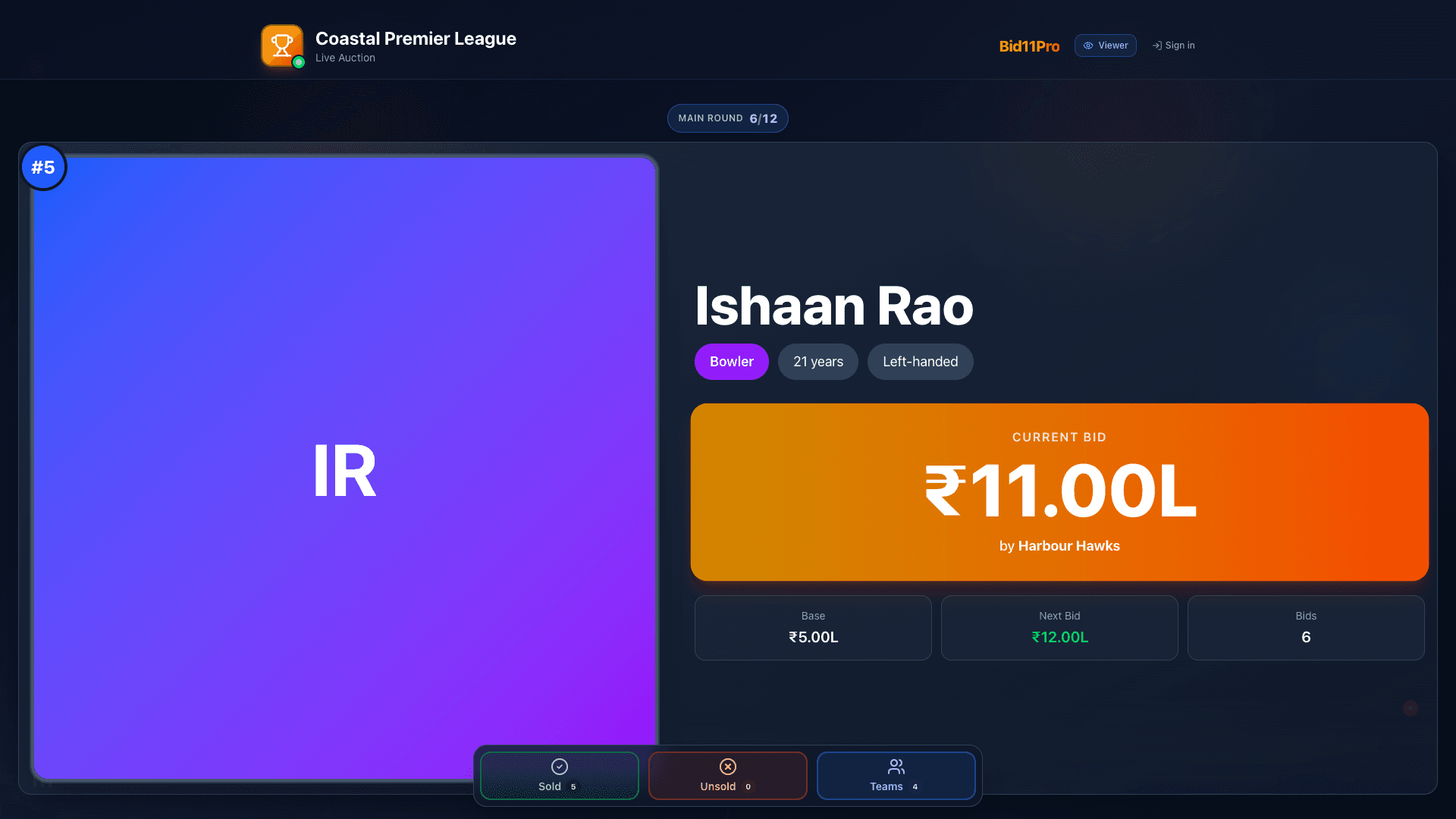
Put the projector view on the big screen. Players come up set by set; bids land live.
Share the results
Publish the results page, export to Excel and send each team its squad PDF.
Next: the full feature list, or the organiser guide.
Ready for auction night?
The Free plan covers 4 teams and 60 players. No card needed.