Every feature your auction needs
From registration to the final squad sheet: the tools a local cricket league needs to run an IPL-style player auction.
Owners bid from their phones
Invite each team owner by link. Pick who may bid: only the auctioneer, owners with the auctioneer confirming each raise, or owners raising directly.
Purses checked on the server
Every bid is checked against the team's purse and the money it must keep back to fill the rest of its squad. A team can't bid itself into a corner.
Categories, sets and increments
Group players into categories such as Marquee or Uncapped, each with its own base price. Present them set by set, with bid increments that step up as the price rises.
Squad rules
Require a minimum or cap a maximum per category or role, for example at least one wicket keeper. Bids that would break a rule are refused.
A visible bid timer
An on-screen countdown keeps the room moving. It is advisory: the auctioneer still decides when a player is sold.
Projector view and broadcast overlay
A full-screen view for the venue projector, plus a transparent overlay for OBS or vMix in lower-third or full-screen layouts.
Player import and registration
Import players from a spreadsheet, or open a public registration form, with an optional entry fee paid online through Razorpay.
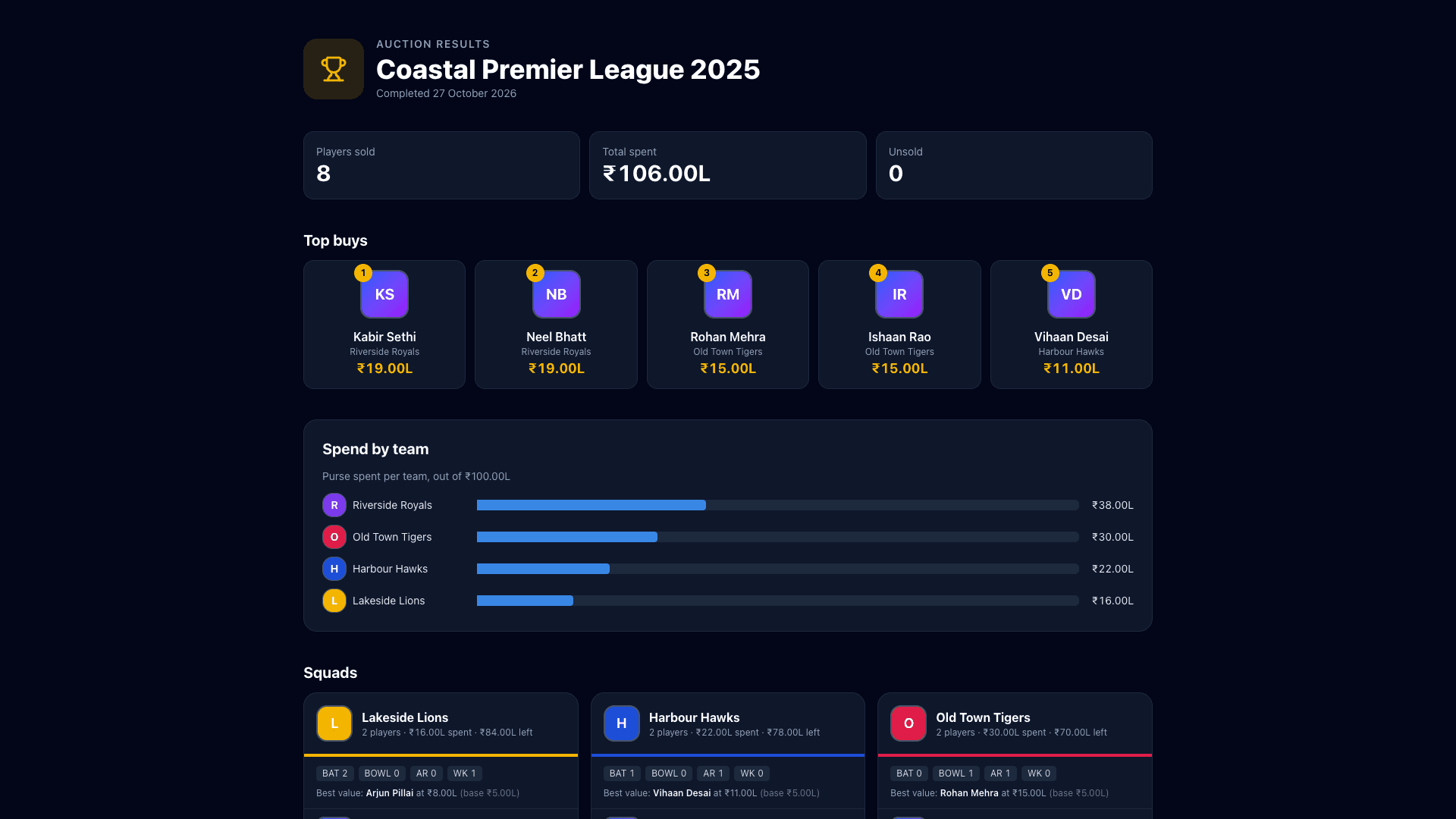
Results you can share
A public results page for WhatsApp, an Excel export for the organiser and a squad PDF for each team.
Staff roles
Add co-organisers and auctioneers to a tournament. Each person only sees the tournaments they work on.
Totals that add up
Purse and player counts are reconciled on the server, and the auctioneer sees at a glance that they match.
Group draw
After the auction, draw teams into groups with an animated reveal for the room.
Squad insights for owners
Owners get simple, rule-based notes on their own squad: gaps by role, purse left per open slot.
See the five steps, the broadcast overlay and pricing.
Ready for auction night?
The Free plan covers 4 teams and 60 players. No card needed.