Put your auction on the stream
A transparent, live overlay for OBS and vMix. The player, the current bid and the leading team, over your camera feed.
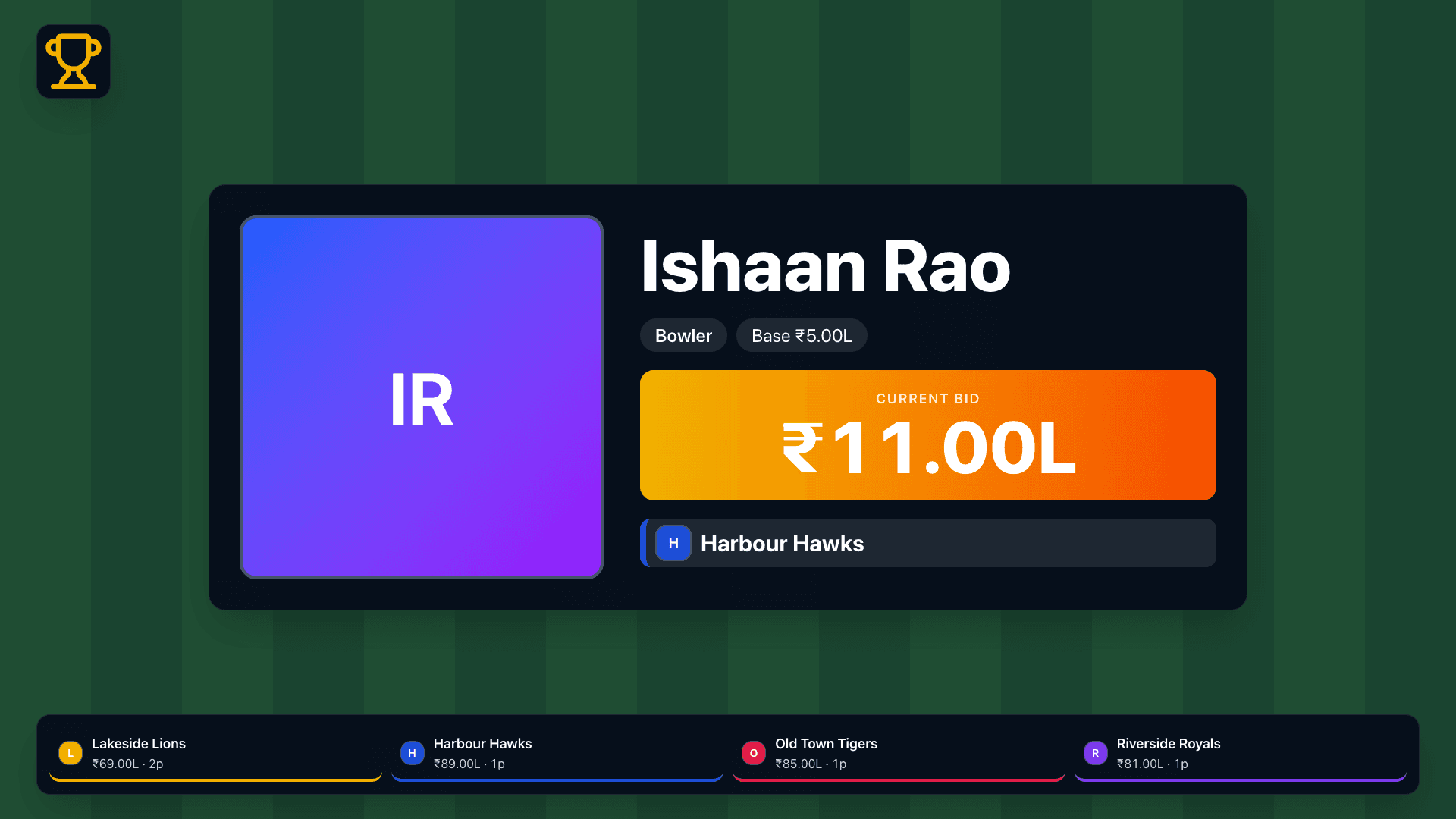
Set up in two minutes
- 1Open your auction and copy the overlay link from the broadcast menu.
- 2In OBS or vMix, add a Browser Source with that link at 1920×1080.
- 3Pick the lower-third or full-screen layout, dark or light, and turn on title-safe margins if your stream needs them.
- 4The overlay is transparent and updates live with every bid. It needs no sign-in on the streaming PC.
In the venue
No stream? The auction page itself is built for the venue projector: the player and the price are sized to read from the back of the hall. See all features.
Ready for auction night?
The Free plan covers 4 teams and 60 players. No card needed.